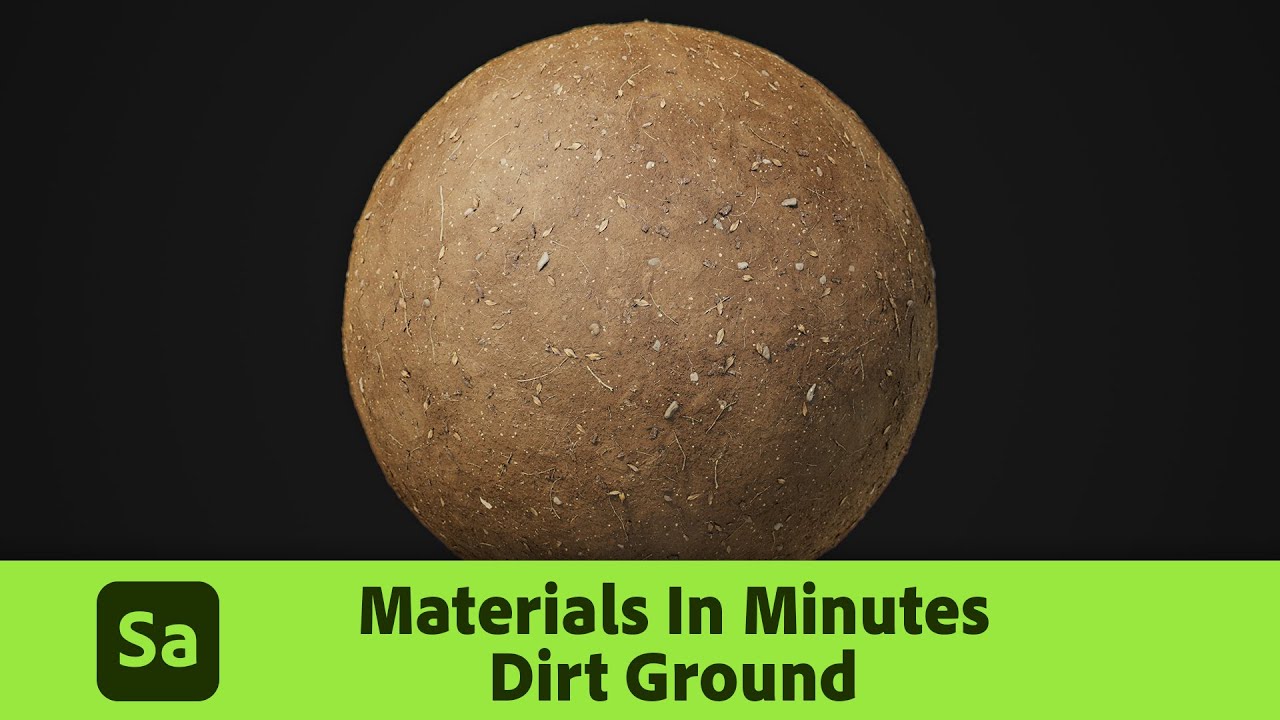
Creating high-quality materials for 3D models can be time-consuming. However, with Substance 3D Sampler, you can create realistic textures in just a few minutes.
If you struggling with this tutorial by Adobe Substance 3D you’ll handle it in minutes. This tutorial will walk you through the process of creating a dirt ground material that can be used in any 3D modeling software.
Learn how to use Substance 3D Sampler to create dirt ground material in minutes.
Join our community & Get inspired by TOP artists:
Join our community & Get inspired by TOP artists:
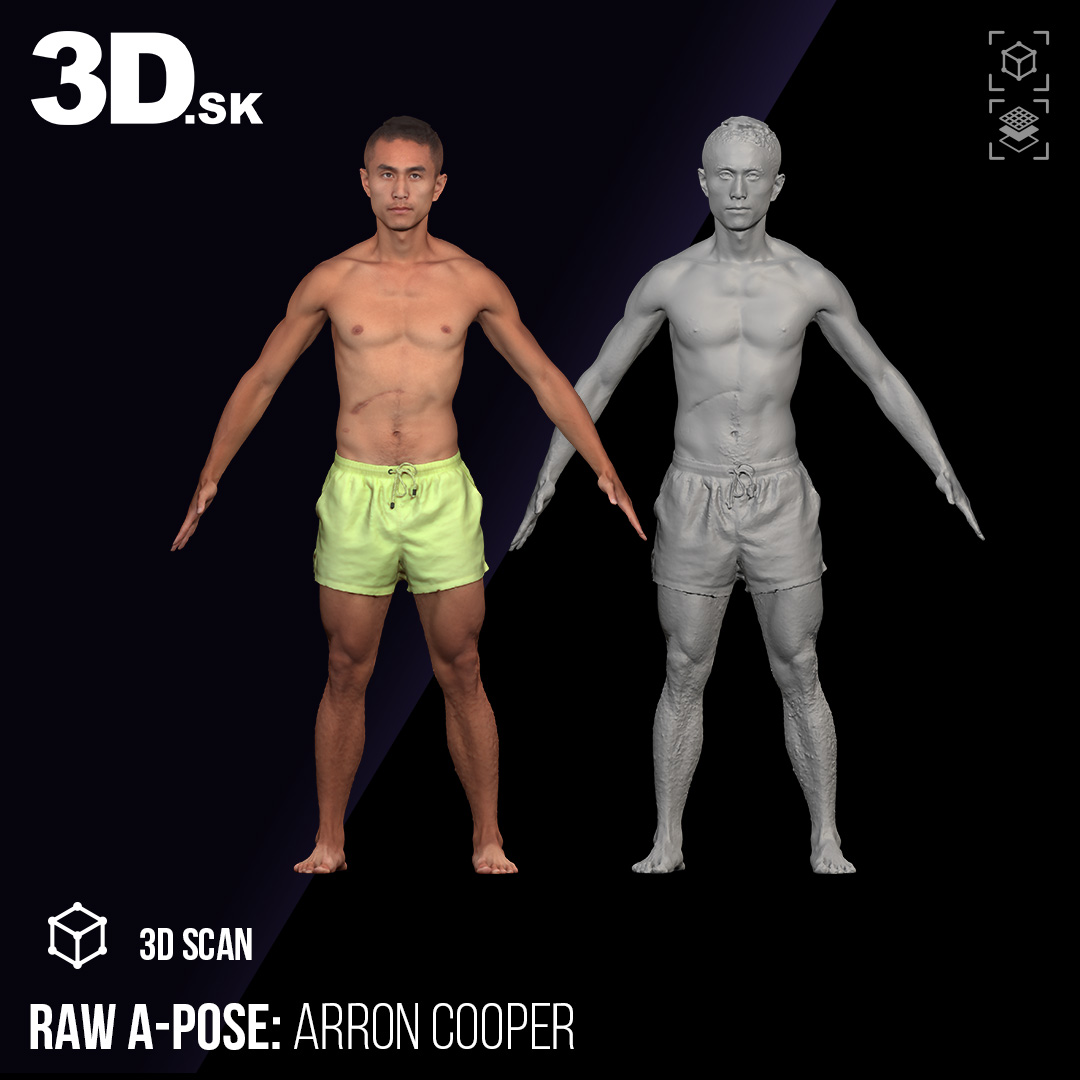
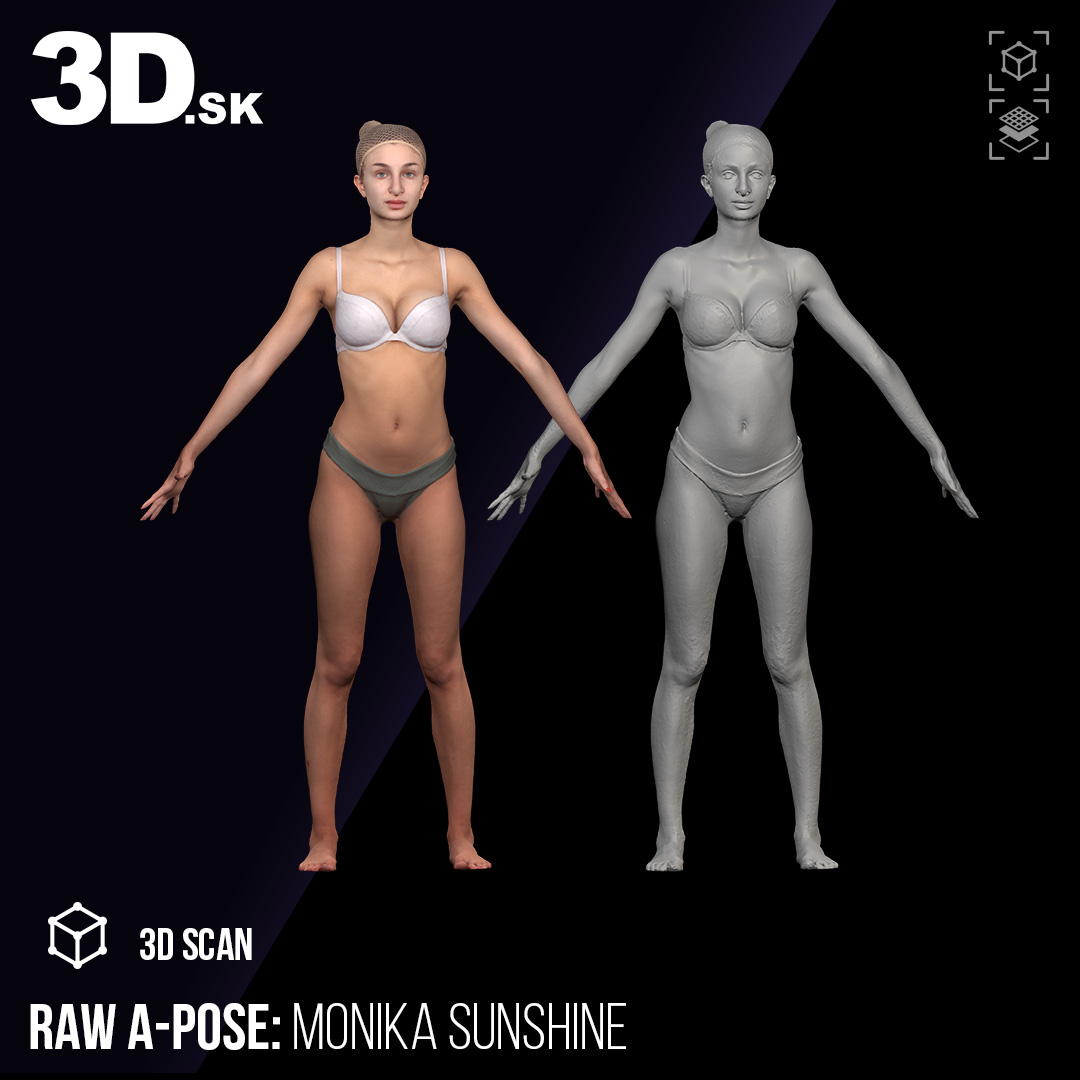
Most popular RAW A-POSE 3D SCANS



See more on our website:
Explore Tutorials category


SCULPTING MASTERCLASS BY AMELIA ROWCROFT SCULPTURE
Amelia Rowcroft’s courses are a masterclass in clarity, structure, and true understanding of form. Her ability to break down complex anatomy into clear, practical steps makes her teaching…
Share

PORTRAIT WORKSHOP BY JANA BUETTNER & VICTOR VEBER
Jana & Victor provide clear guidance, strong focus on observation, and structured approach help artists quickly improve both their technical skills and their ability to truly “see” form.…
Share

How to Create a Natural Transition from the Parting to the Bangs in Ornatrix 9
Creating realistic hair is often less about dramatic changes and more about handling subtle transitions correctly. One of the most important areas in any hairstyle is the transition from the…
Share

Creating a Stylized Kimono Character: Haruka – Kitsune Guardian (ZBrush + Marvelous Designer)
Haruka – Kitsune Guardian is a stylized character pipeline focused on what matters most: silhouette, cloth structure, and clean material definition. Below is a step-by-step look at how the…
Share

Swap Face Textures, Create Unique Metahumans – In Just One Click!:)
Swap Face Textures, Create Unique Metahumans – In Just One Click! Imagine giving your MetaHuman a completely new look with a single texture swap – now you can. Introducing 3D.sk Face…
Share

The Ultimate Sculpting Challenge: How Alex Carratalà is Leveling Up His Art
The Portrait Challenge: Alex’s Journey to Mastery Every artist knows that improvement comes through practice, and for digital sculptor Alex Carratalà, the best way to push his skills to the…
Share

Swap Face Textures, Create Unique Metahumans – In Just One Click!
Swap Face Textures, Create Unique Metahumans – In Just One Click! Imagine instantly transforming your Metahuman character with a completely new look—just by swapping face textures with a…
Share

👽 From Scan to Alien: How Real Anatomy Became a Sci-Fi Lifeform
In a nearly three-hour live stream, 3D character artist Abe_Leal3D takes viewers on a creative journey: transforming a hyper-realistic 3D head scan from 3D.sk into a fully imagined…
Share

Learn Anatomy with Ryan Kingslien: Using 3D Scans as Your Artistic Canvas
How to use 3D Scans as Your Artistic Canvas When it comes to mastering human anatomy, nothing beats studying real forms. But what if you could draw directly on a 3D model, using it as a living…
Share

Abe’s Quick Tips: Mastering Trims in Zbrush
Quickly add trims or details to the borders of your props inside of ZBrush with Abe We are thrilled to spotlight Abe in our latest blog post. Here’s a cool little tip for adding trims,…
Share